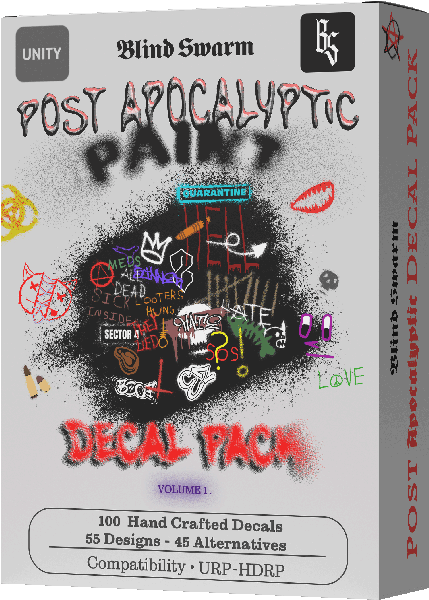
Post Apocalyptic Paint Decals Vol 1
- Volume 1
- Tools
- Prefabs
- Textures
- Customisable
100 hand drawn, unique, customisable decals for the end of the world. Graffiti, signage, spray paint and stencils, nearly every one of them yours to recolour.
Not listed yet. The store link appears here when it goes live.
- Pipeline compatibility
- URP
- HDRP
- Texture resolution
- The decals are drawn at 2048 and ship set to import at 1024, which takes a quarter of the texture memory in a busy scene. If you want the extra detail, raise the texture import limit in Unity and you get the full resolution.
- File format
- .unitypackage
- .png
- .prefab
- .mat
- textures (smoothness map, normal map, base map)
- .shadergraph (our own custom shader, allows for customisation)
- C# scripts (read below for more info)
- Minimum Unity version
- This pack is completely compatible with Unity 2022.3 LTS and Unity 6, tested up to Unity 6.6 at the time of writing. Earlier versions of Unity are not supported.
In Unity
Screenshots taken in Unity, with decals from this pack projected onto the wall and lit by the scene.
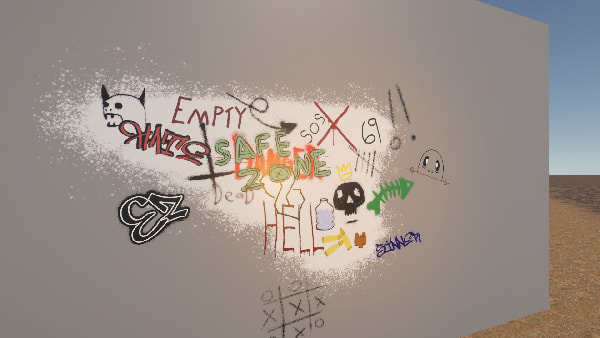
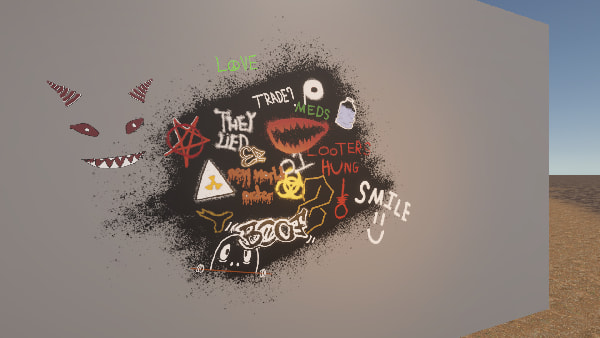
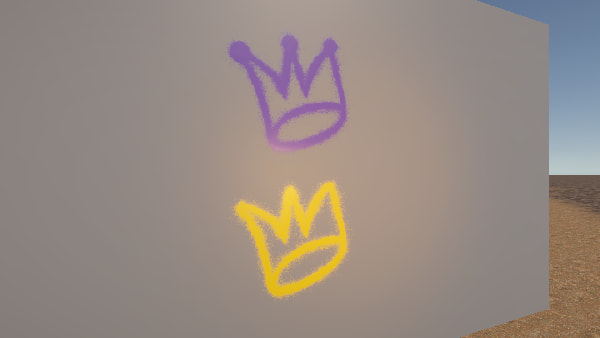
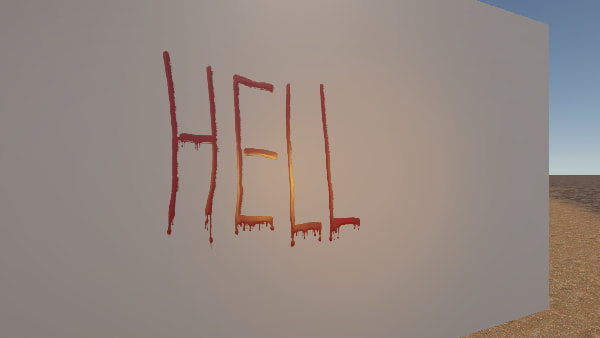
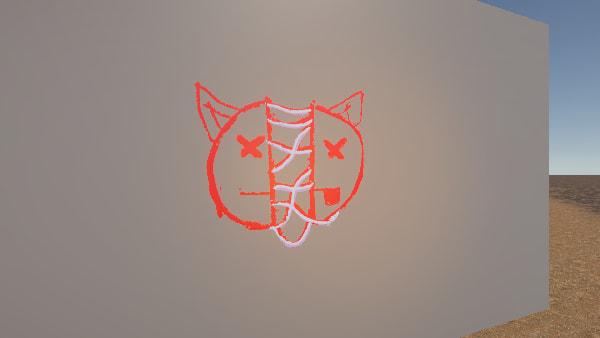
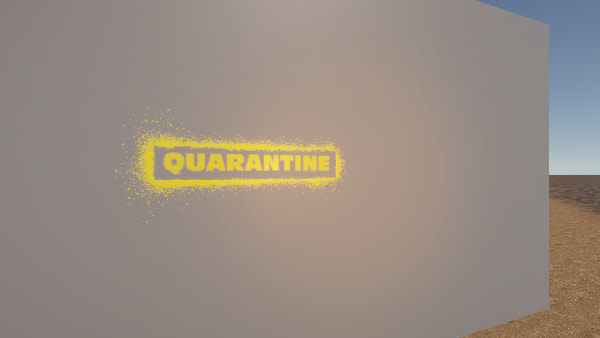
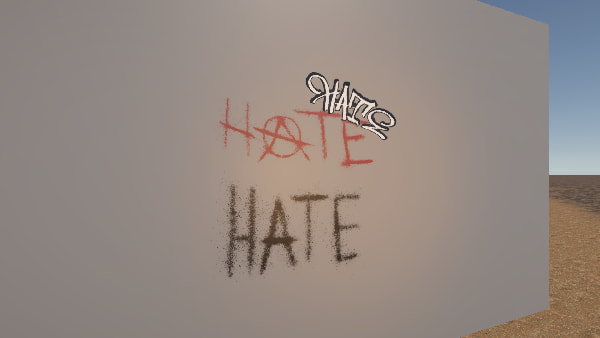
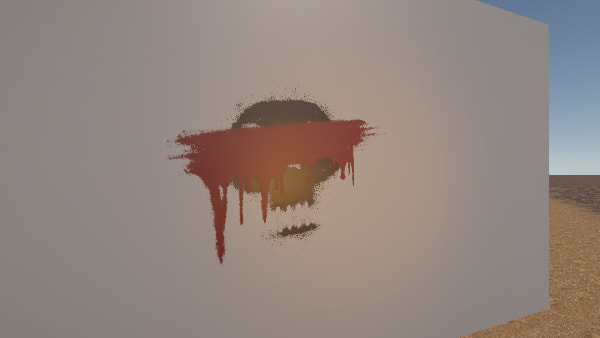
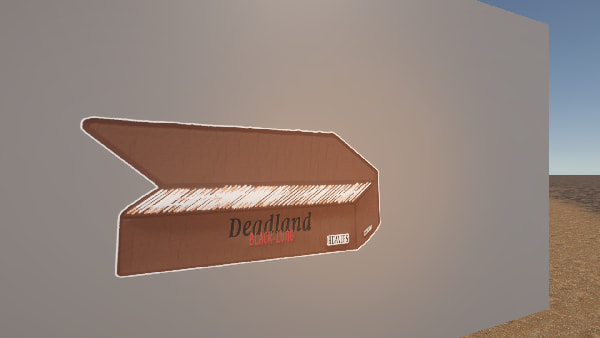
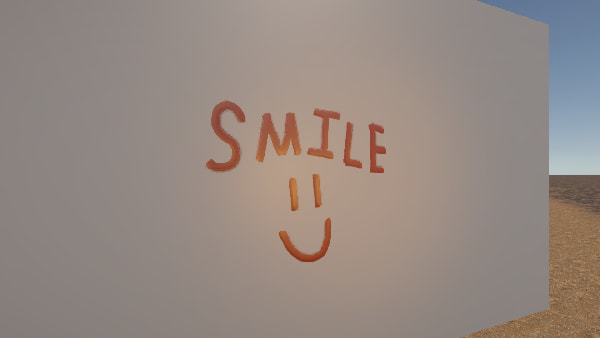
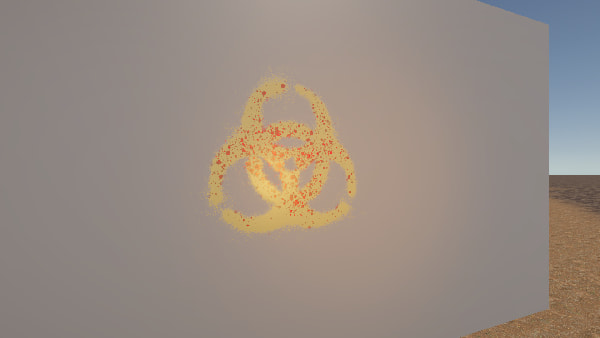
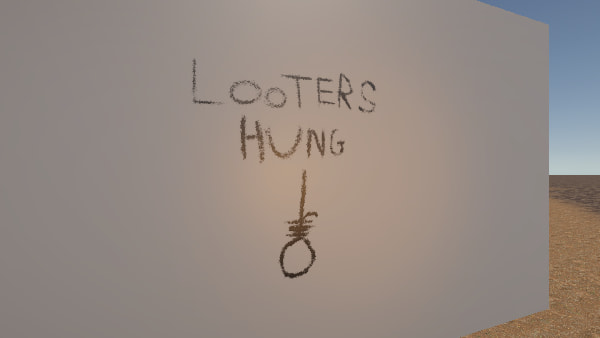
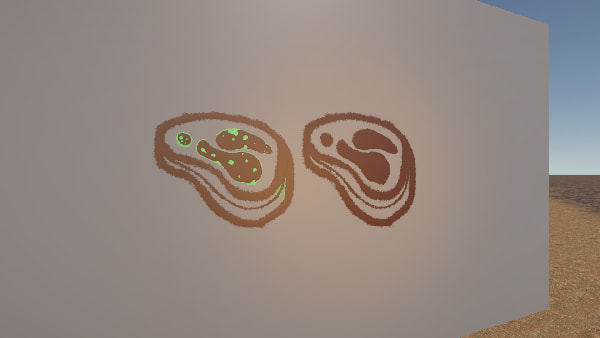
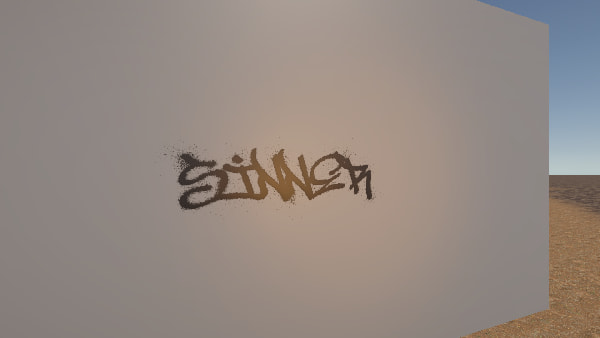
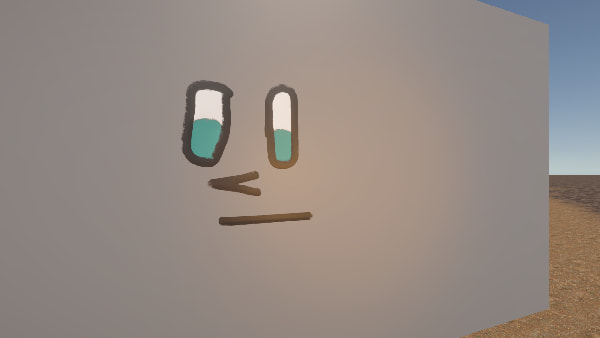
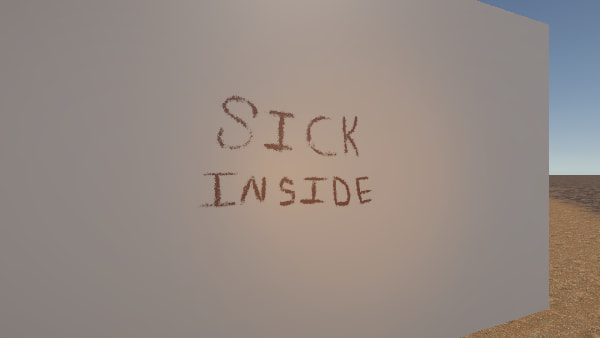
Scroll to change the decal.
About
100 hand drawn, unique decals. 57 designs and 43 alternates, every line drawn by hand in Photoshop. The pack was built with modularity in mind, so it carries across environments, eras and genres, from modern day post apocalyptic to apocalyptic cyberpunk.
Signage, graffiti tags, dripping paint, stencils, painted faces, tally marks, spray painted warnings, and an apocalyptic cigarette box with the company it keeps. Everything you need to make a wall look like people lived there. Drop them onto brick, metal, plaster or a rusted panel and the projector wraps them around whatever they land on.
The alternates are different artwork rather than colour swaps, because the colour is already yours to set. A pointed arrow and a curved one. A filled exclamation mark and a hollow one. Four shader graphs cover one, two and three colour decals as well as fully pre baked artwork, and every one of them carries surface depth, smoothness, an optional wear mask and a wear amount. Same decal, different wall, different decade.
Drawn at 2048 and set to import at 1024, so a wall covered in them takes a quarter of the texture memory. Want the detail back? Raise the import limit.
Customisability
A note on what you are seeing. These are web previews. A browser has no shader graph and no scene lighting, so depth, gloss and wear are approximations drawn on a canvas. In Unity each decal carries a normal map and a smoothness map and reacts to the light around it, so it will look considerably better there than it does here.
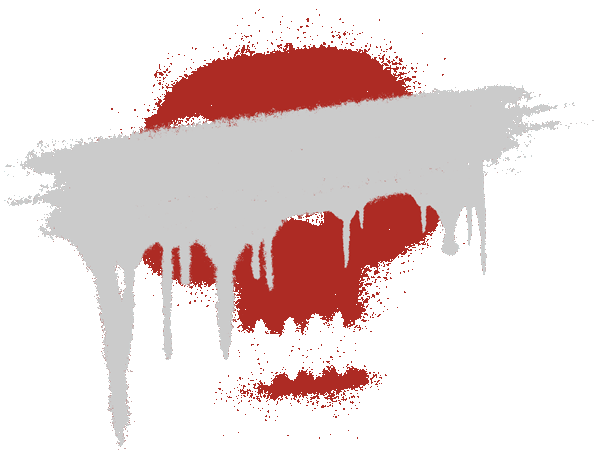
- Colour, fully adjustable on every decal except the pre baked artwork.
- Surface depth, so a decal can be a flat sticker or a raised stencil.
- Smoothness, from chalk or plaster to wet paint or spray paint.
- An optional wear mask and wear amount, on every single decal.
What is inside
100 decals. 57 designs, 43 alternates.
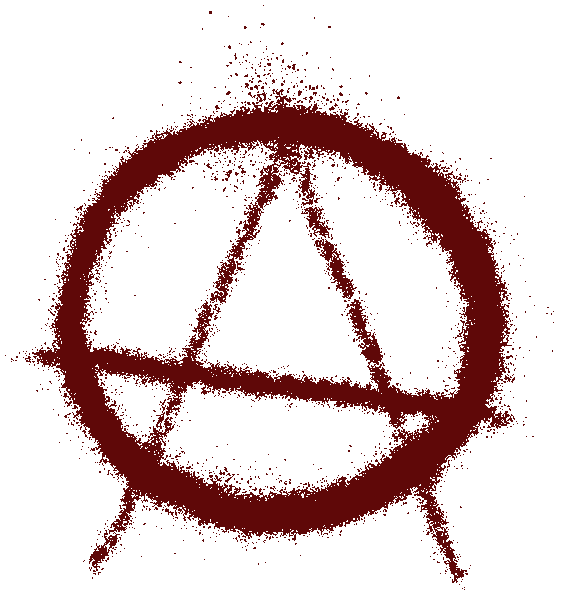
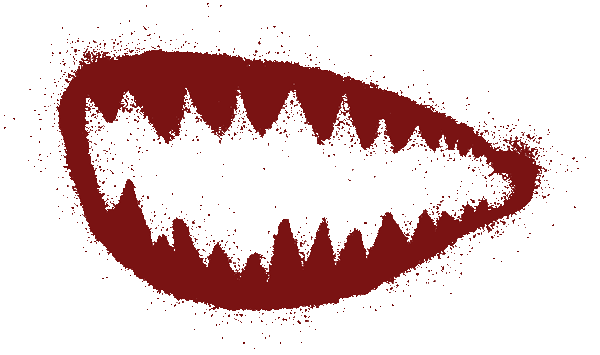
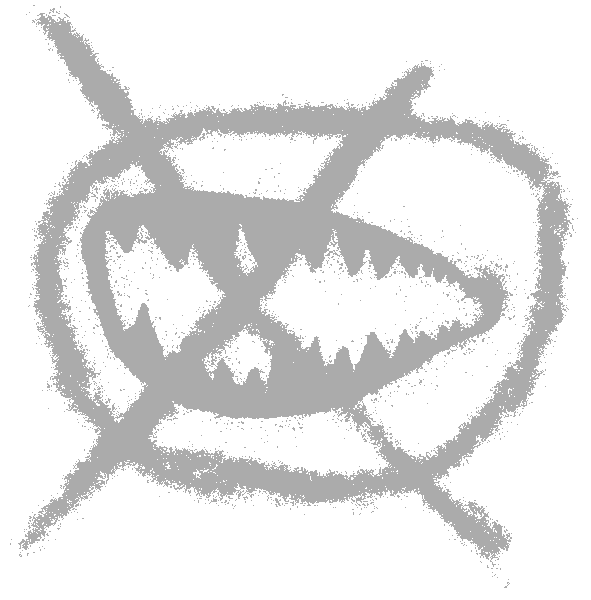
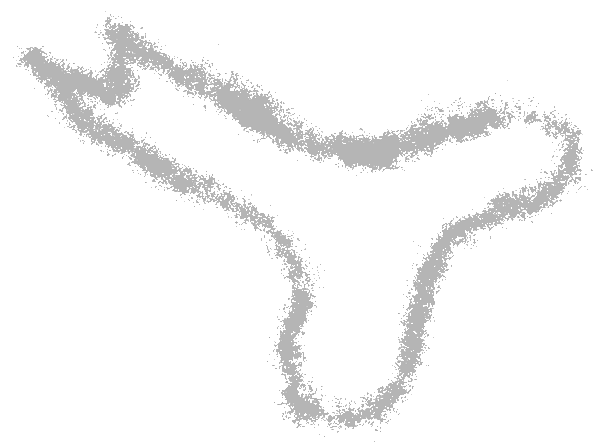
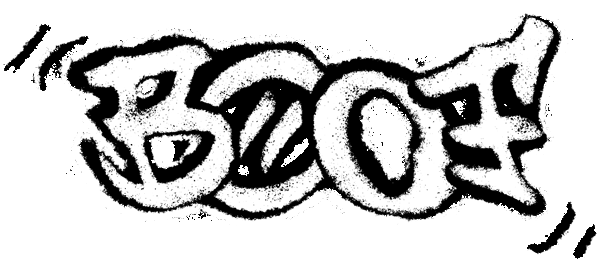
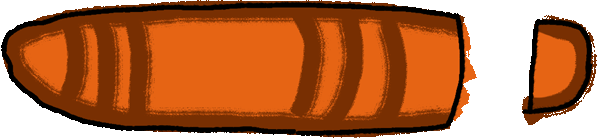
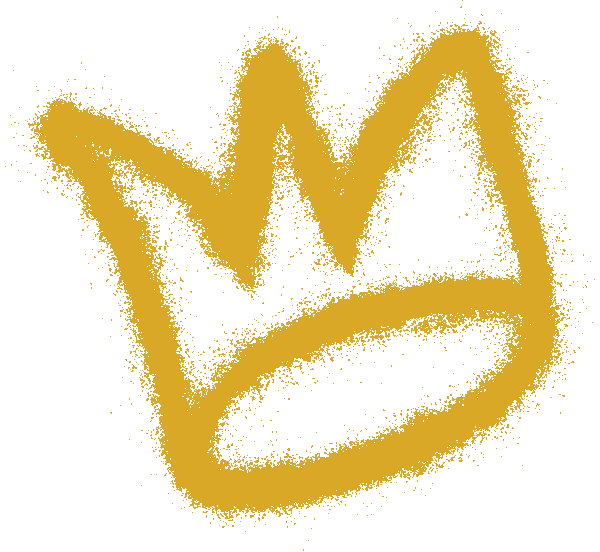
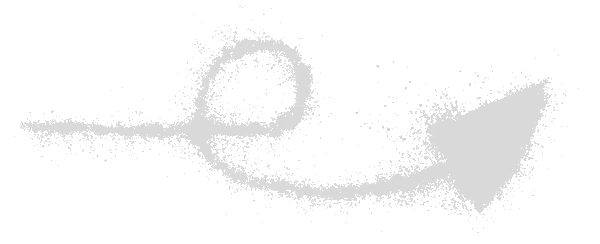
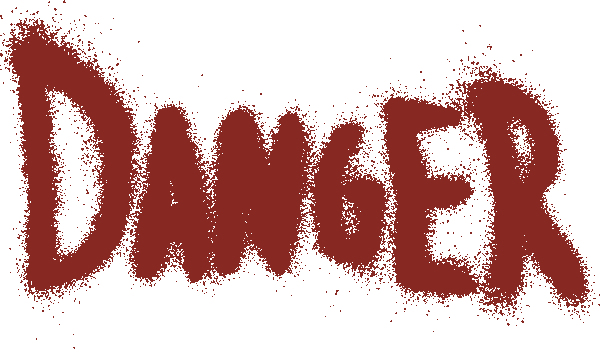
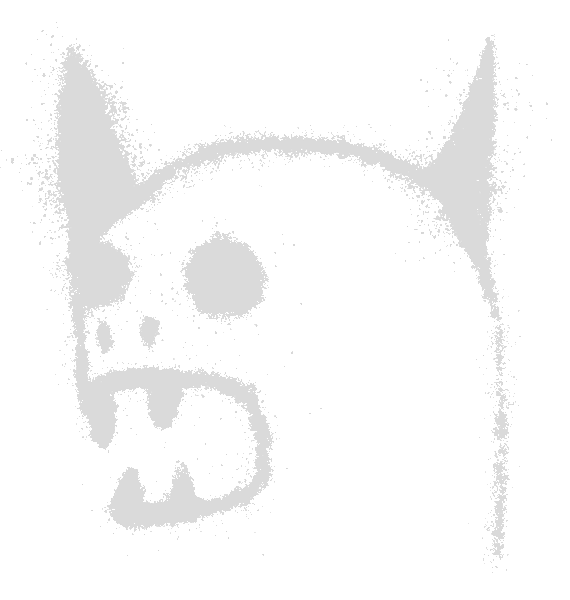
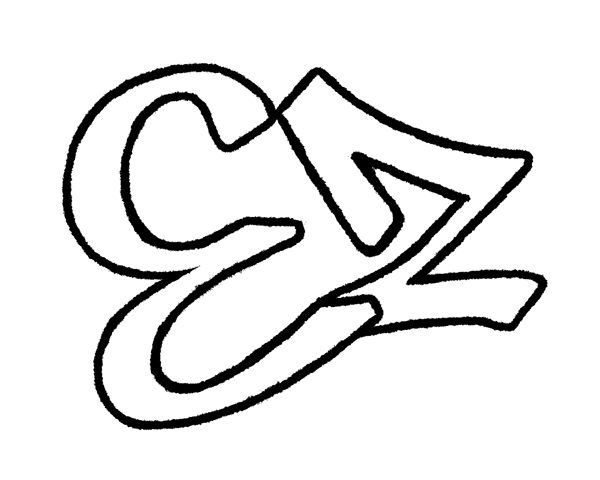
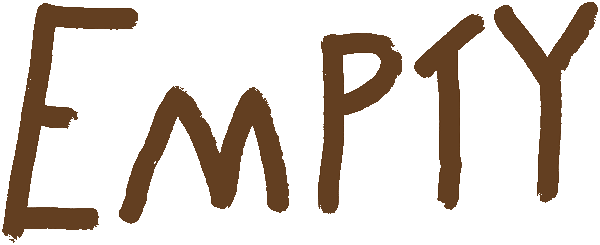
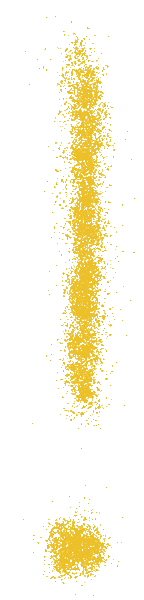
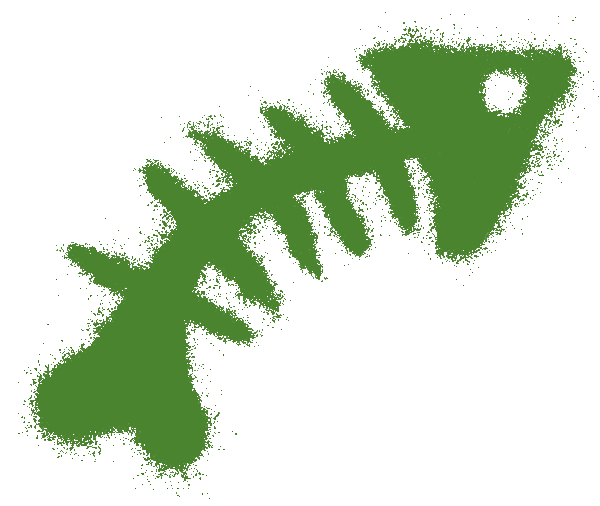
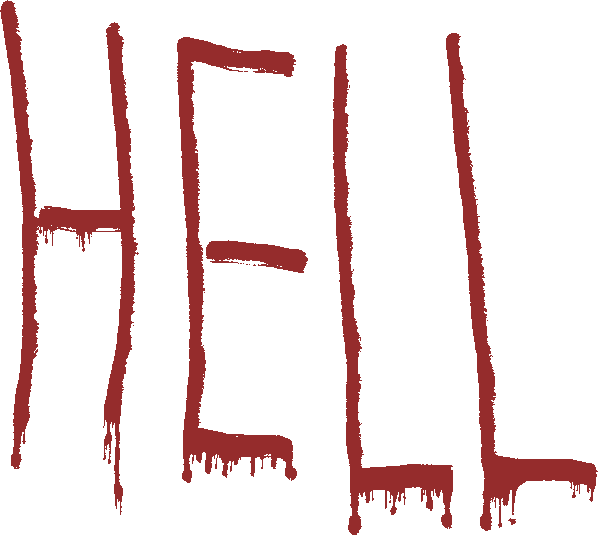
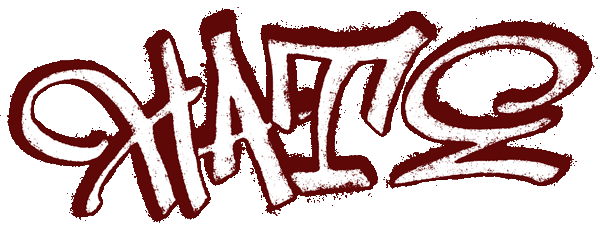
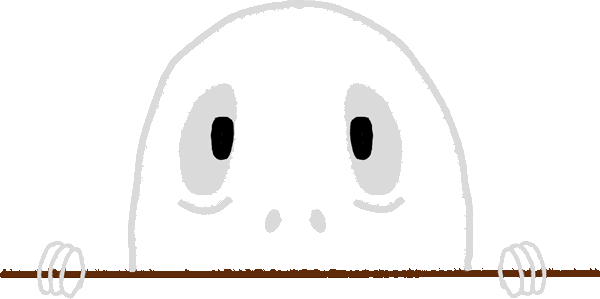
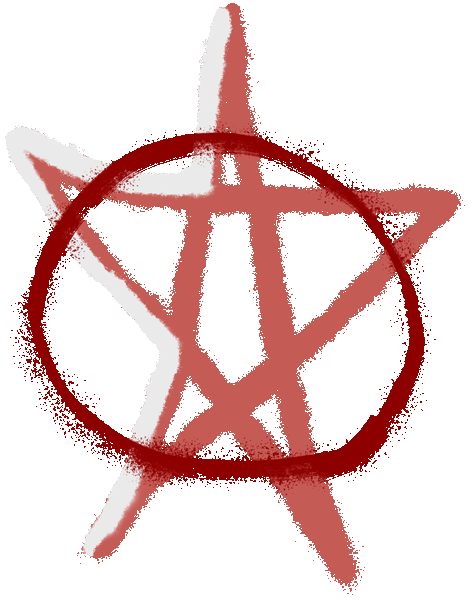
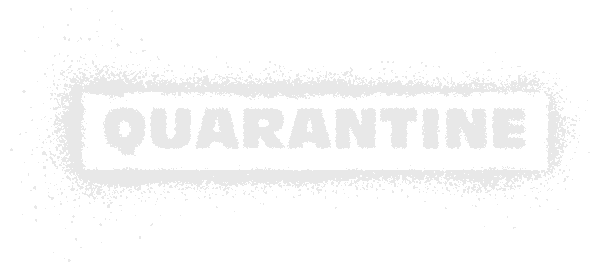
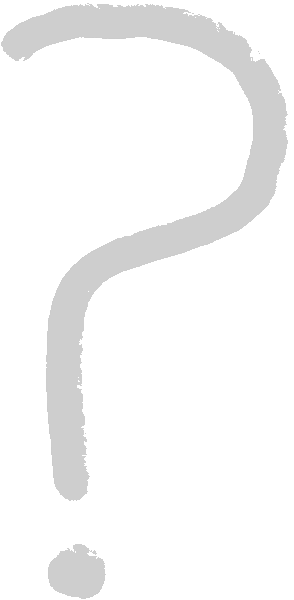

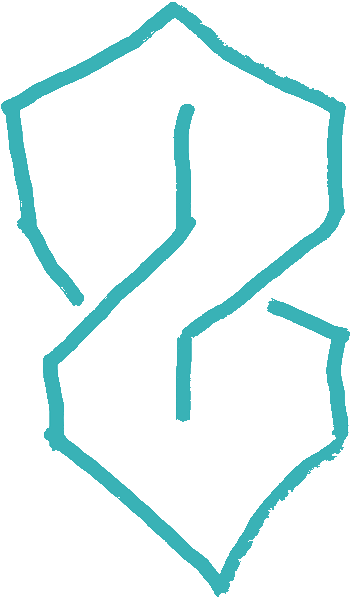
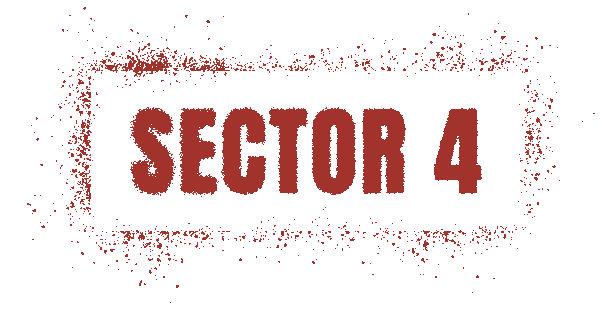
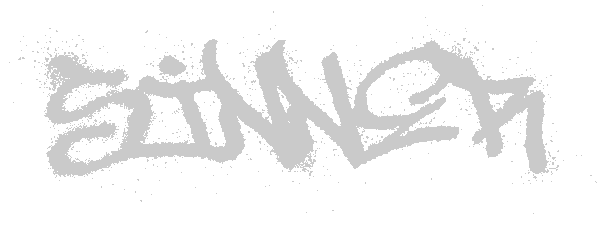
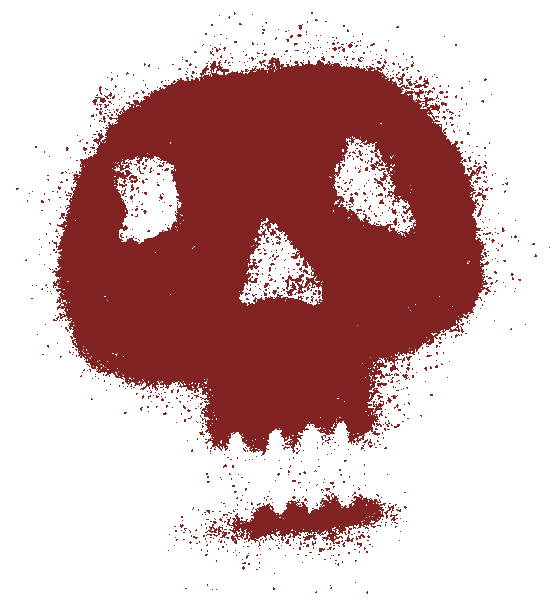
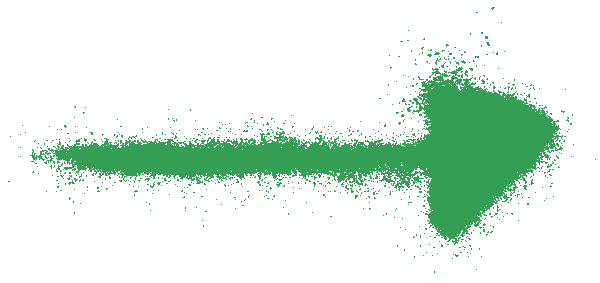
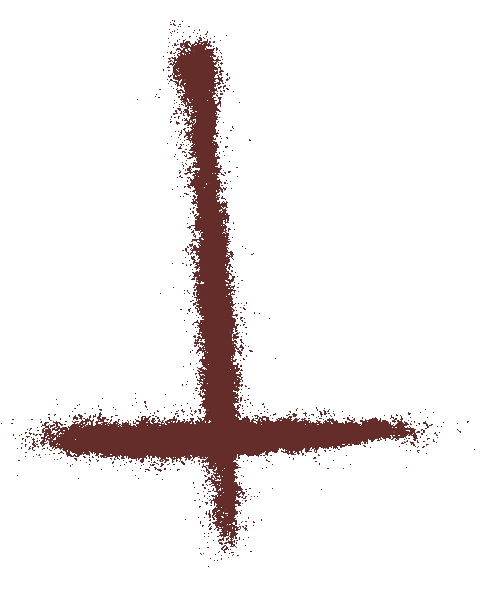
(A small selection. The pack holds 100 decals.)
Change the colour
Every decal in this pack ships with a mask that cuts it into regions, and the shader hands you each region as a colour you set. This is not a filter laid over the top. It is the artwork itself, repainted. Have a go, then do the same thing inside Unity in about four seconds.
The colour is worked out the same way the shader works it out, so what you pick is what you get. The flatness is the browser's fault, not the decal's. In Unity the same artwork also carries surface depth, smoothness, an optional wear mask and a wear amount.
Tools
Four editor tools ship inside our decal packs. The setup Unity should do for you and does not. A whole pack built, named and pointed at the right shader without you opening a single material. Bring your own artwork and they do all of it for that too.
Blind Swarm Decal Wizard
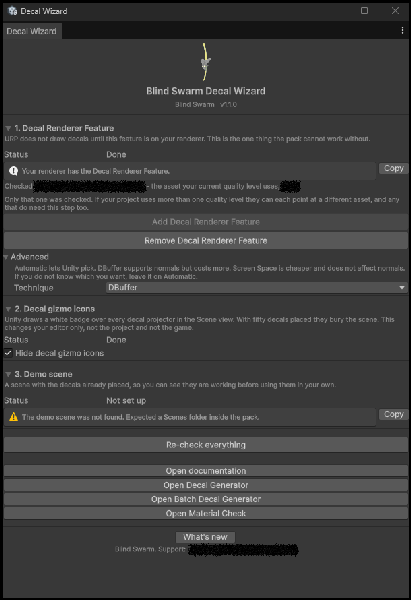
Place a decal in a fresh URP project and nothing happens. No pink square, just a blank wall. Unity does not turn decals on for you. The wizard checks every renderer in your project, switches the decal feature on in one click wherever it is off, and takes you to any renderer that still needs it added. It tells you exactly what it will change before it touches anything, and it opens by itself the first time you import the pack. There is also a check box that clears the white badges Unity stamps over every projector in the Scene view, which is the difference between seeing your scene and seeing 50 icons.
Blind Swarm Decal Generator
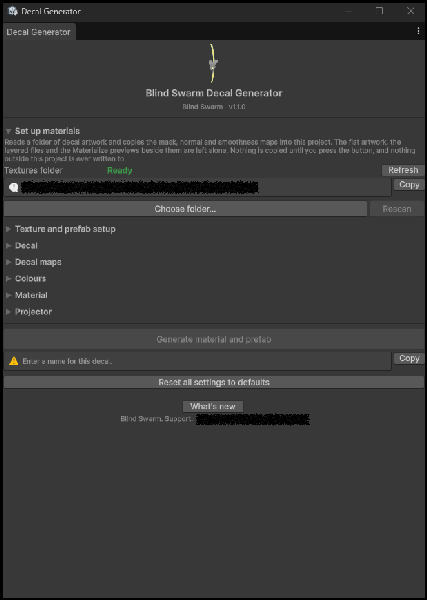
Your artwork, set up exactly the way ours is. Point it at a folder and it reads everything underneath and works out which file is which map from the filename. Nothing is copied until you press Import Artwork, and your originals are only ever read. Only the three maps a decal actually needs come across, so your flat art, your layered files and your bake previews stay where they are. Everything that does land arrives with its import settings already right, which is the part everyone gets wrong by hand. It never asks you which shader to use either. It reads your base map, counts the channel colours you painted, and picks for you. And if your artwork or your shaders work differently to ours, the rules are a text file you can edit.
Blind Swarm Batch Decal Generator
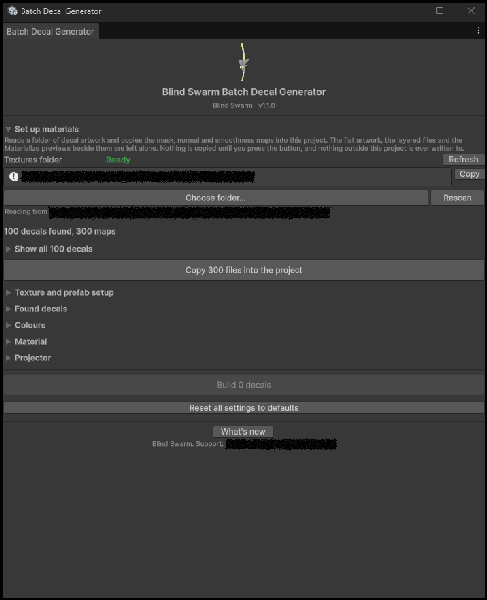
The same thing, across bulk decals, while you make a coffee.
Blind Swarm Material Check
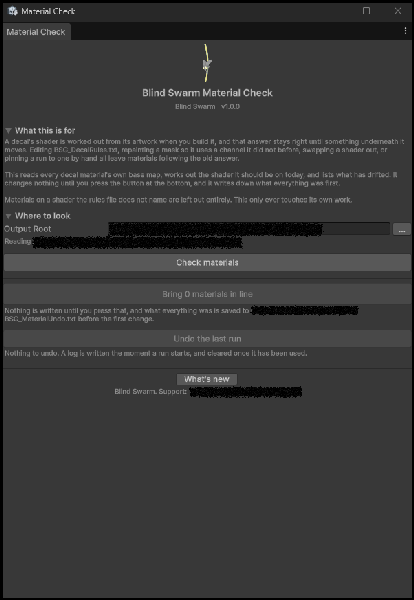
A decal's shader is chosen the moment you build it, so the day you edit the rules, repaint a mask or swap a shader out, everything you already made is quietly still following the old answer. Material Check reads every material's own artwork, tells you exactly what has drifted, and brings it in line when you say so. It writes down what everything was first, so it can undo the whole run.
Questions
Ask anything. If you want to know whether this works for what you are building, ask before you buy, not after.